
Text Features Anchor Chart: Teach Why Authors Use Each Feature
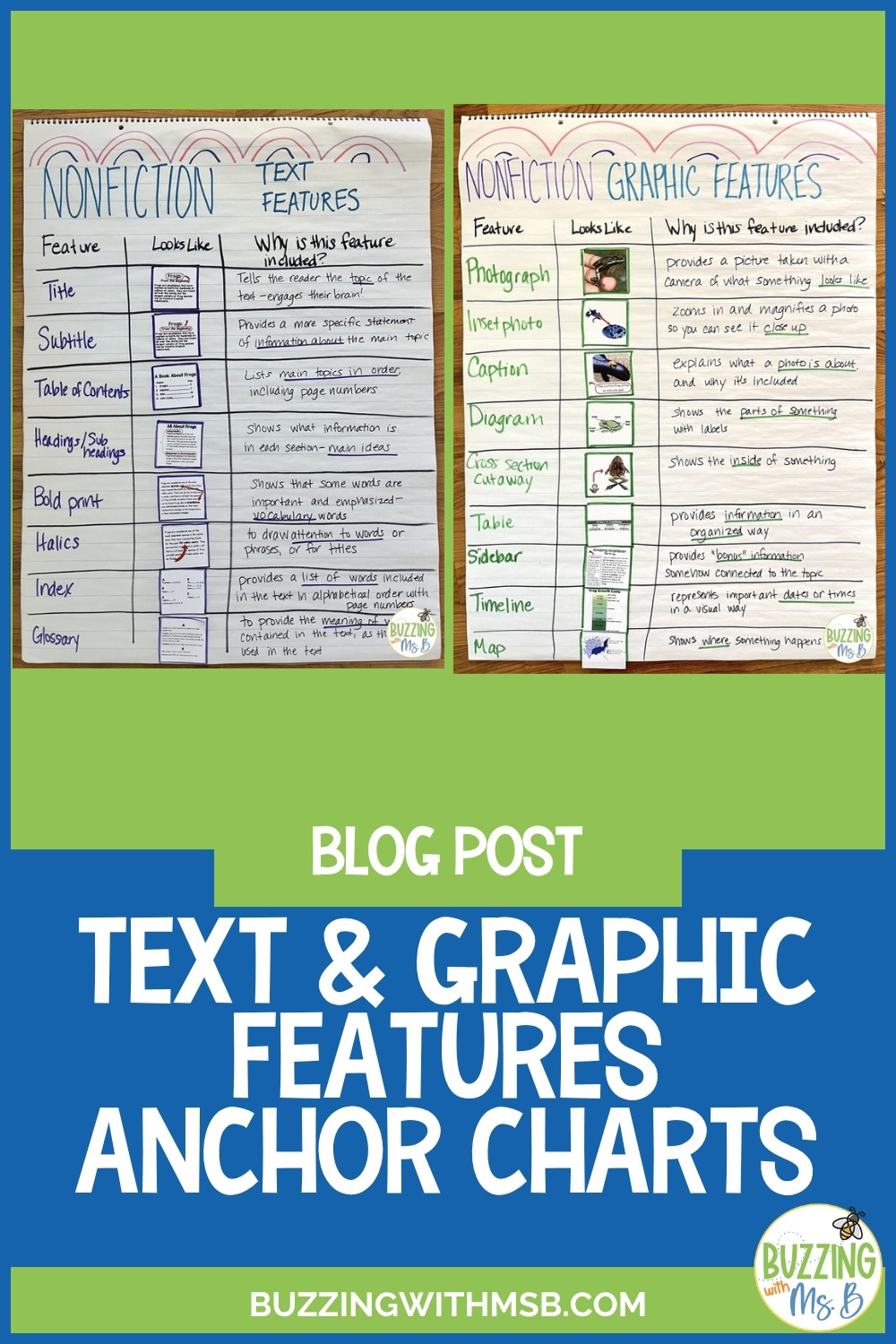
This text features anchor chart helps students move past naming nonfiction text features to explaining why the author included each one. You’ll also find a free text features matching game below.
Embarrassing Story:
Today my hunny and I went to Corner Bakery to do a little work on our laptops and enjoy some tasty stuff. I worked away (blogging, creating. You know the business) and he worked as well. He is the photographer for our district, so he was working on editing some pictures of the cute little guys we go to work for every day! At one point, he flipped his laptop around and showed me the most beautiful picture. A little pre-K boy with his tiny little fingers clenched in glee, laughing like he’d never seen anything so funny. I immediately cracked up. This little guy just looked so joyful.
Then I asked, “When did you take this? Why is he laughing so much?” and my hunny said, “It was the first day of pre-K and they were doing Head, Shoulders, Knees, and Toes during PE as fast as they could.”
And this is when I became a smushy puddle of jelly. I started cry! Right there, in the Corner Bakery, I had tears spilling down my face and onto the napkins made of recycled material. Something about the sweetness of a little boy being so excited to do Head, Shoulders, Knees, and Toes on his first day of school was so moving that I fell apart.
Anyway, this is what I intended to blog about: (Don’t you love my skill-less transition?)
Using a Text Features Anchor Chart with Nonfiction Text
One of the more difficult texts for kids to navigate is expository. This is unfortunate, because kids love to read about information and it’s such an invaluable skill! I think it’s largely due to the lack of experience kids have with informational text. The less exposure they have, the more difficult it is for them to glean information and identify how ideas are related.
My school has begun teaching about expository text this month. For the next several days, I’d like to share with you some of the things that we’ve planned to do in the expository genre.
To get started, we’re helping kids do some basic text navigation by creating this anchor chart. Students often have experience identifying the text features. However, using them is a different story.
Ask a kid, “Where’s the caption?” and he can probably point to a caption. Ask the same kid, “How does that help you? Why did the author include it?” and the kid stares blankly. (This is what I call the dead fish look.)
Why Was This Feature Included? Adding a Purpose Column
To me, this is a slight flag-raiser. Everything we do is to help our kids understand text and become better readers. If what we’re doing doesn’t do that… why do it? So to assist in this, we made sure we added a column on our chart entitled “Why was this feature included?”
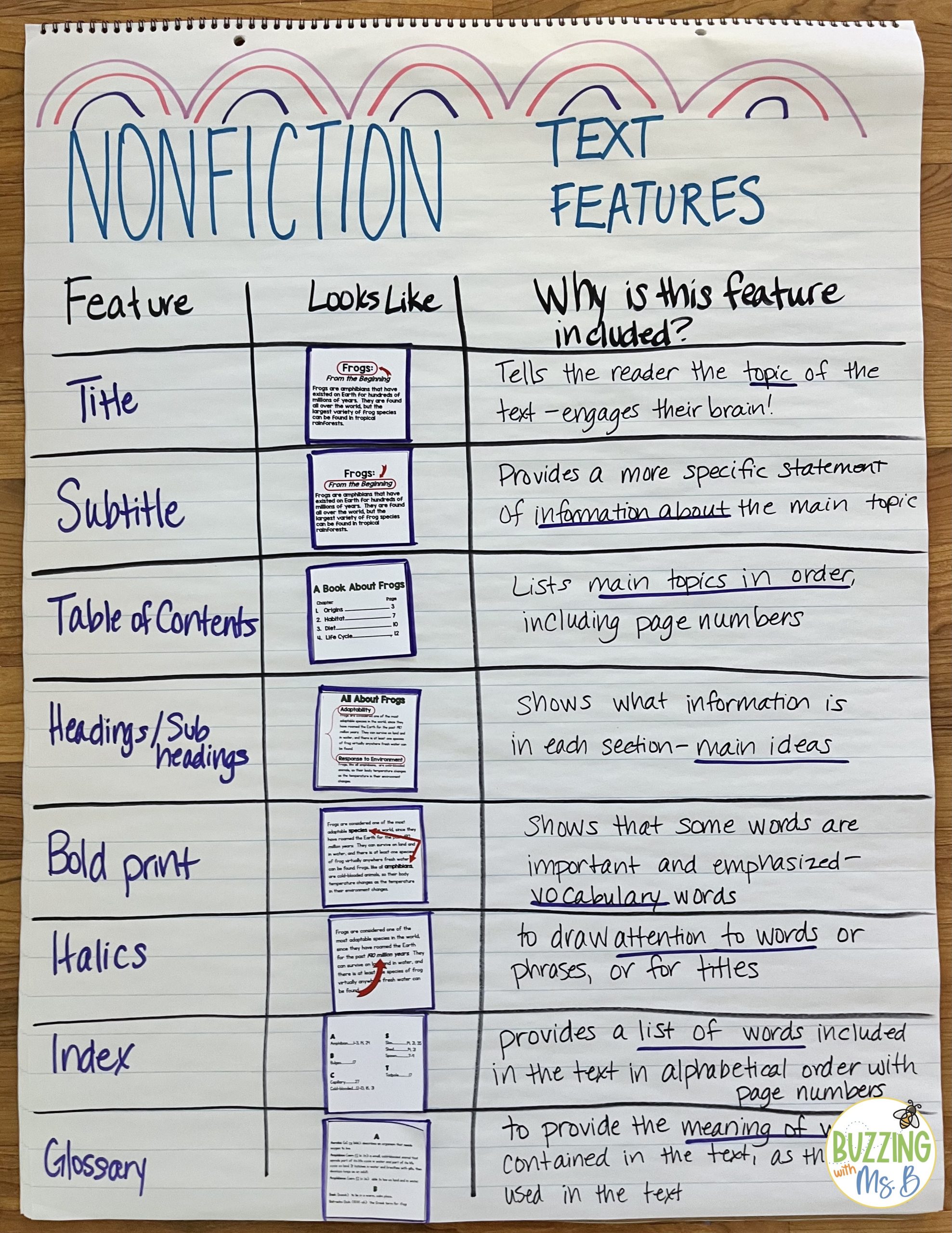
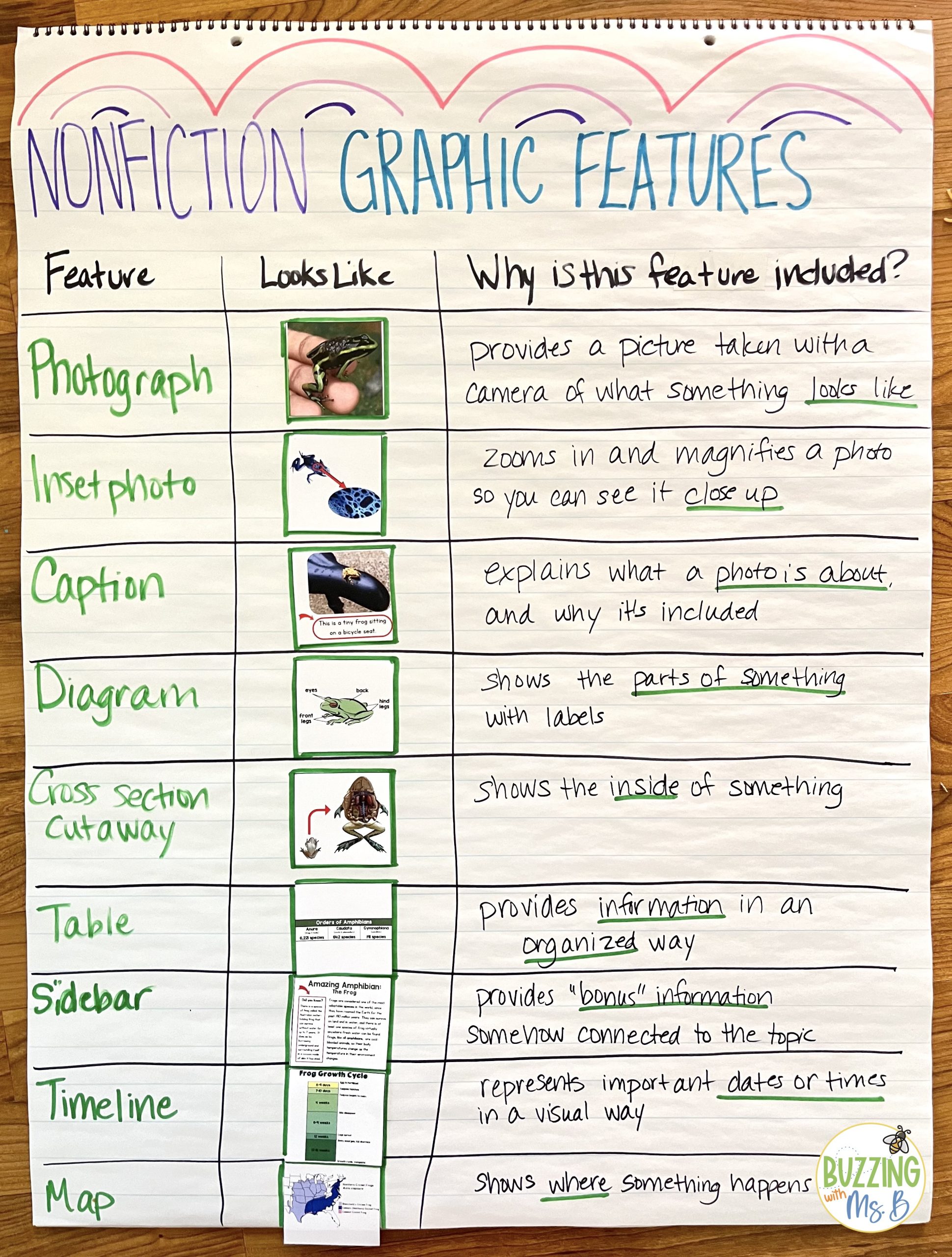
Using Text Features to Make Predictions and Gather Information
Once students have learned to identify (and appreciate) the features text has to offer, they need to do these two things with them:
- 1. Use the features to make good predictions about the text
- 2. Gather information from the features
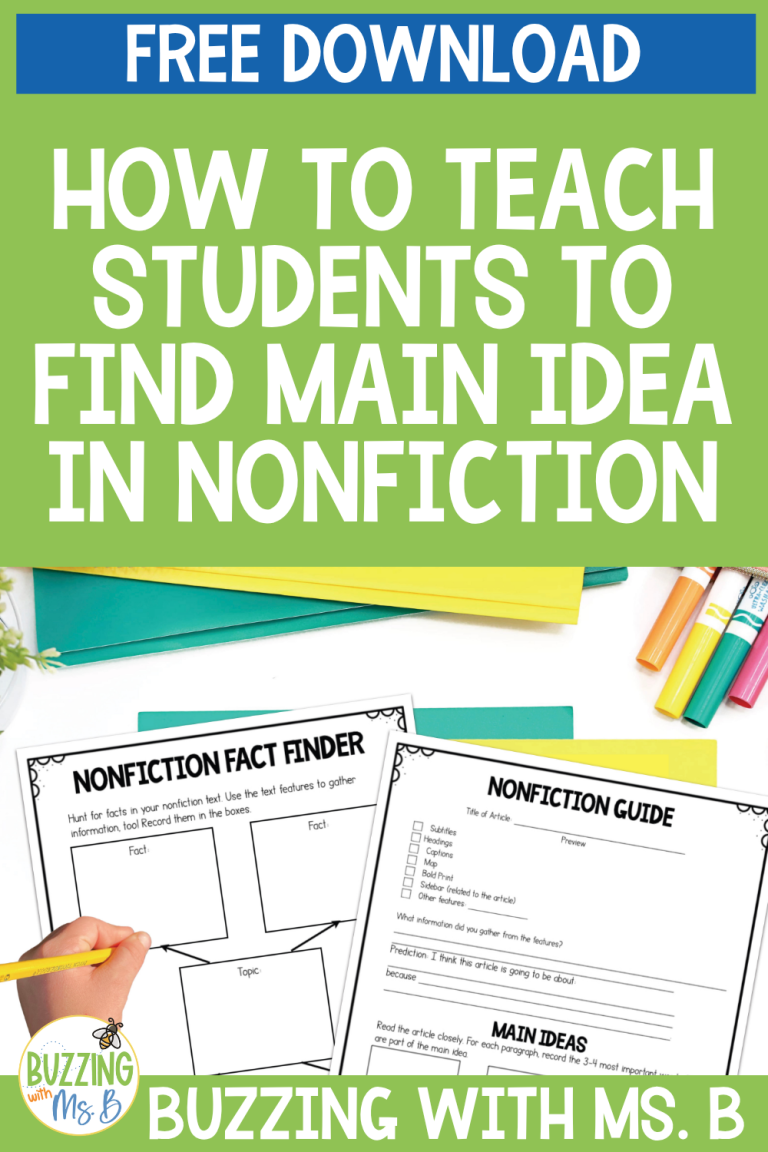
To help out with this, my Nonfiction Reading Unit includes graphic organizers that help kids make and record their predictions and record facts they have learned from nonfiction text features.
For more ideas to go with your text features anchor chart, read about teaching nonfiction features beyond identification and try this nonfiction text features matching activity.
Free Text Features Matching Game: Gone Fishin’
Want a hands-on way to practice? Gone Fishin’ is a free download: a Go Fish-style game where students match each nonfiction text feature description card to its picture card.
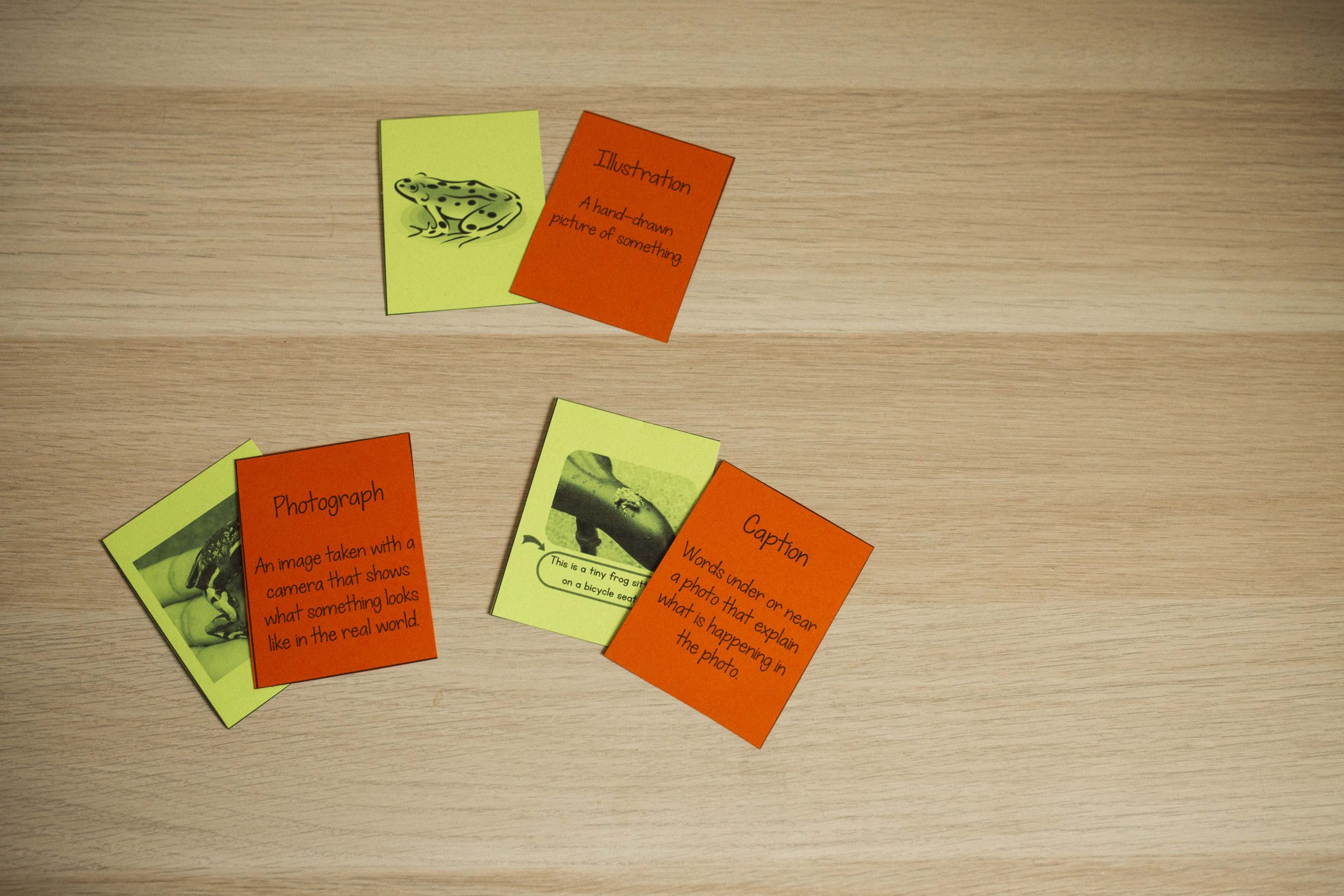
You can also use the picture cards to build your own text features anchor chart. Glue each picture card in the “Looks Like” column next to its feature, then have students explain why the author included it.
Get Gone Fishin’ free with the form below, and see how to play Gone Fishin’ in pairs, small groups or test prep stations.
Get the Printable Nonfiction Graphic Organizers and Posters
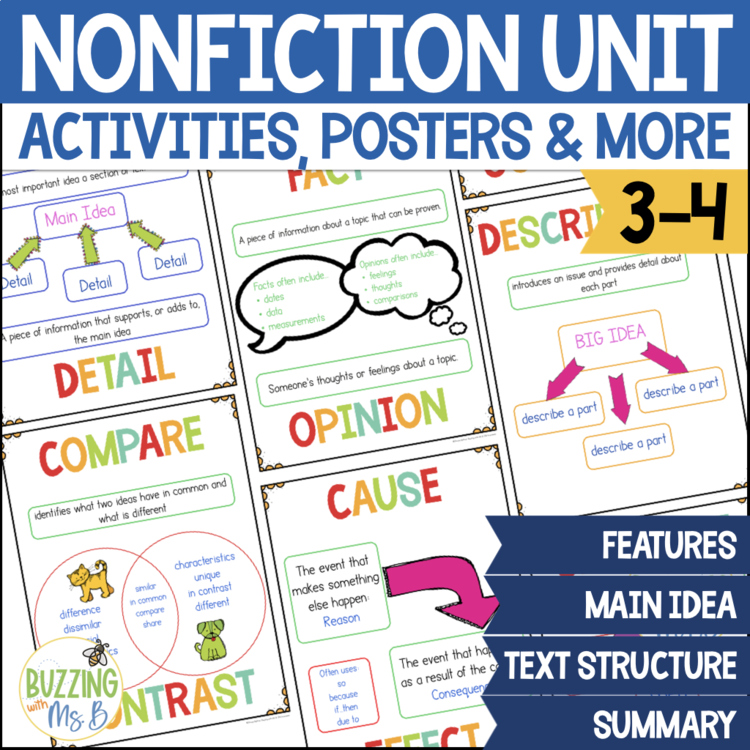
Want this ready to go? Grab the Nonfiction Graphic Organizers, Posters, Worksheets and more! in my shop.




I LOVE this! Such organization and detail 😀
thank you!!
I found myself crying over a commercial yesterday, counselor friend of mine said I had too much bottled up. *shrugs* Who knows.
Hi Ms. B, thanks for the amazing freebie!
Jessica
The Learning Metamorphosis
Great worksheets, thanks!
Can I use the photo of your anchor chart for a teacher curriculum document that only teachers will see in Anne Arundel County Maryland?